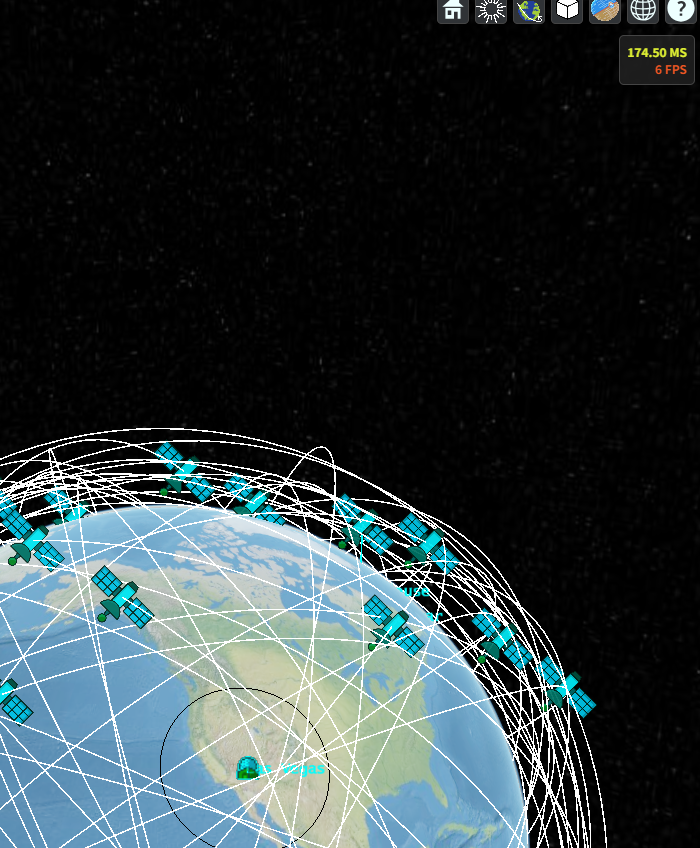
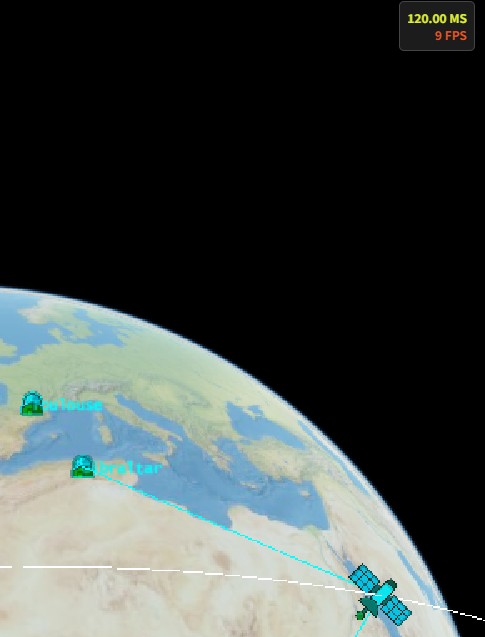
I am using czml for showing a constellation of 100+ satellite.
The fps is very bad under 10.
Is there any method to optimize this.
thanks
I am using czml for showing a constellation of 100+ satellite.
The fps is very bad under 10.
Is there any method to optimize this.
thanks
I’m no expert—just a beginner. I wonder if removing the withModelPath from the ”Spacecraft“ (i.e., skipping those xxx.glb models) would make things run faster. It feels like using default images is quicker than loading 3D models.
Hi @youngcle,
Do you have a graphic card or are you only using your processor ? Using a GC would help.
As @houmingyang said, displaying only points or an image would also help.
And maybe reducing the sampling will help too.
I think the problem is on Cesium’s side, unfortunately.
Later I realized that optimizing Cesium’s performance is far from trivial. I had simply never paid attention to the FPS counter before. Of course, the more “glb“ files you load, the more resources it burns and the slower everything feels.
But even after I:
cut the number of satellites from 100 to one,
dropped the viewer’s resolution (viewer.resolutionScale = 0.6; the default is 1.0),
switched off every eye-candy I could think of—Moon, Sun, sky-box and fog—
viewer.scene.moon.show = false;
viewer.scene.sun.show = false;
viewer.scene.skyBox.show = false;
viewer.scene.fog.enabled = false;
the FPS barely budged; it stayed stubbornly low in the end.
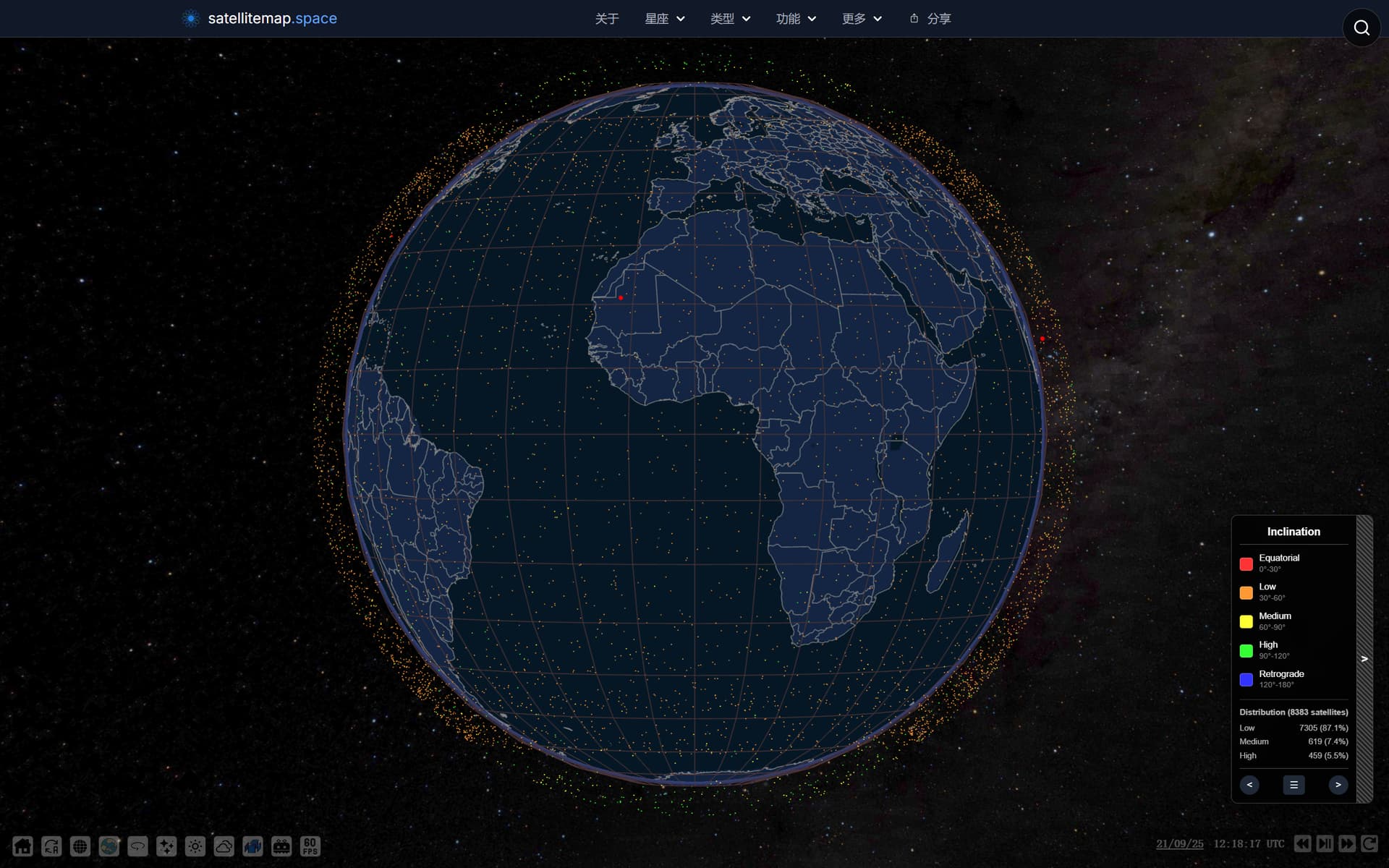
I found an excellent web about globe and satellite in orbit.
satellitemap.space
Live Starlink, SpaceX, Kuiper & GPS Satellite Map
It shows thousands satellites and has a great performance even on a cellphone web browser.
That seems interesting ! Does it accepts inputs from you or it is a pre-made list of satellites ?
Seeing how this work, what could be done, is to not display the path of the satellite, or only when clicked. An option exists to not display the path, so that performances can be better. The ‘click and show’ can be done in the javascript interface in the gitlab.
Also, what you can do on OreCzml is showing only the orbit during one period of this orbit. It will need less computing time to process the same amount of satellites